
What Did You Think? The Reading Log on Our Fridge
BLUF: A reading log tells you they read. I want to know what they thought. Our kids log their reading on a bookshelf app on the fridge tablet, every finished book adds a spine to their shelf, and one good question afterwards turns reading into something we talk about. There's a free printable version below, with a bookshelf, a minutes tracker, a reading plant, book cards and a family reading jar, so you can start tonight.
The conversations are the point
My daughter reads The Week Junior, a news magazine for kids. What I love isn't the minutes she reads. It's what comes out of them. On car journeys she'll bring up something she read, and we end up throwing ideas around together.
That's what I want reading to be in our house: not a box to tick, but something to talk about. So we keep it visible on the fridge, and after reading, we ask a question instead of "Did you like it?"
Tablet or paper? We use both
- The tablet, for logging it
Kids tap their picture, pick their book by its cover, and log the minutes. It does the adding up, keeps the streaks and fills the family goal, so nobody has to. - The paper, for seeing it
A bookshelf they color in book by book, a reading plant and a family jar on the fridge. Coloring in a spine with a pencil feels different from tapping a screen, and it's always there to point at.
Start with paper tonight. The free printable has a bookshelf to fill, a monthly minutes tracker, a reading plant, finished book cards and a family reading jar.
Not sure what to ask? The free after-reading question picker gives you one question at a time, matched to who read and whether it was a story, nonfiction or the news.
The bookshelf on our fridge tablet
We call it Bookshelf. It's built for kids who can't read yet as much as for kids who can, so everything works with pictures and taps.
- Three taps to log reading
Tap your emoji, tap your book's cover, then start a reading timer or tap big 5, 10, 15 and 20-minute blocks for reading already done. - Read-alouds count
Two big buttons, "I read it" and "Someone read to me," because both are reading. - Books by their covers
New books get added with a photo of the cover, so the little ones can find theirs without reading a title. - Every finished book adds a spine
Tap "I finished it!", rate it with one of three faces, and a spine in the cover's colors slides onto their own illustrated bookshelf. When a shelf fills up, the bookcase grows taller. - A plant instead of a streak counter
Each day in a row grows a leaf, and every seven days it blooms. Miss a day and the plant just waits. No guilt. - One family goal
Everyone's minutes fill the same jar of marbles toward something like pizza night, so the readers in the house cheer each other on.
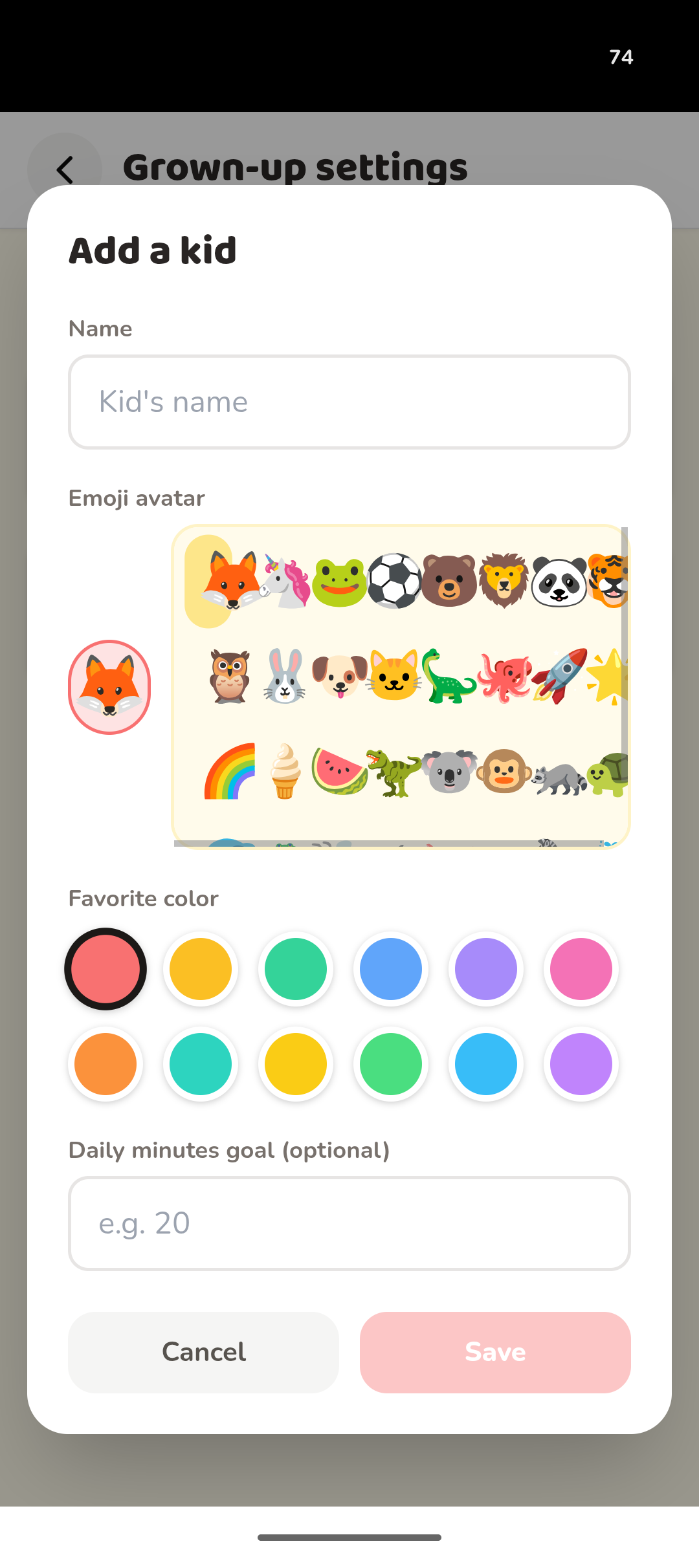
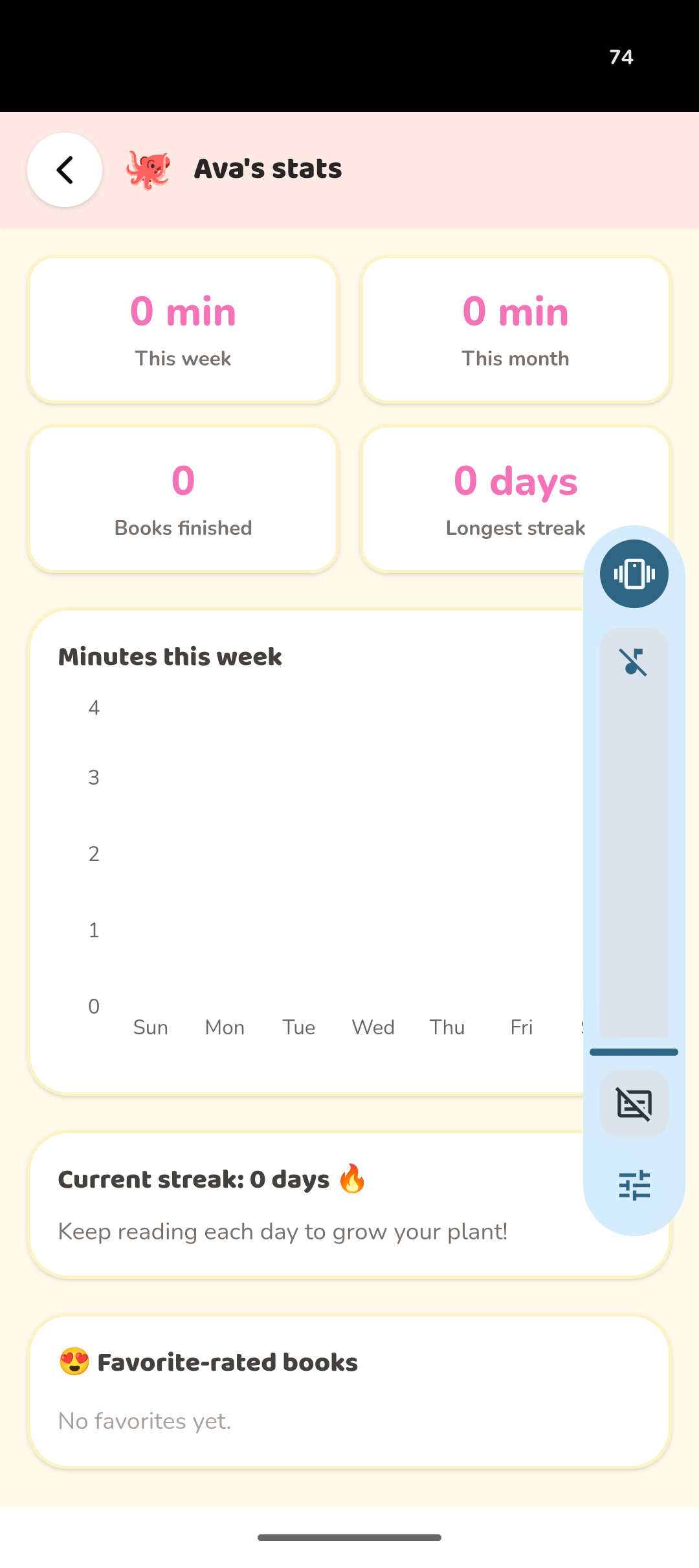
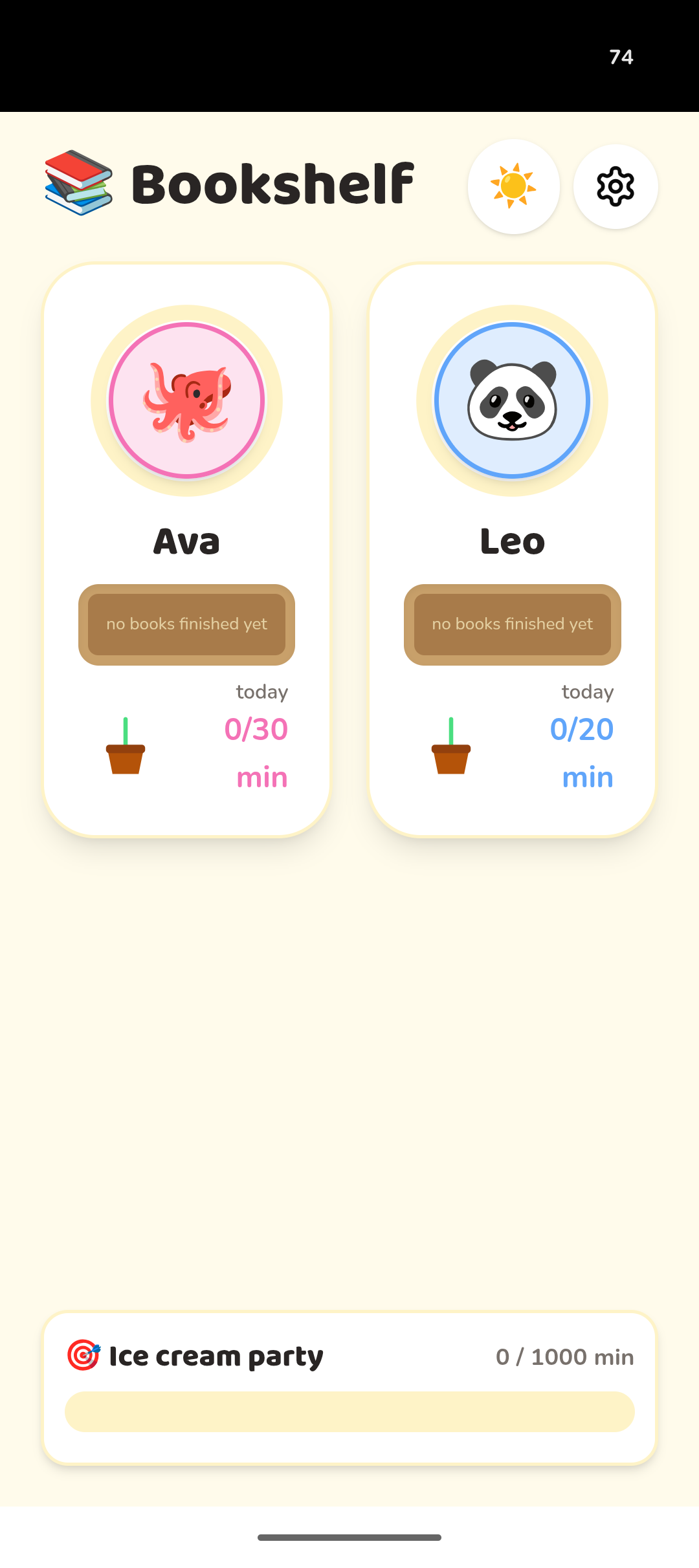
Bookshelf on our fridge tablet: every finished book adds a spine.
How I built it
I'm not a developer. I built Bookshelf in Base44, a tool where you describe the app you want in plain English and it builds it for you. Then you keep talking to it to fix and tweak things until it works the way your family works.
Here's how my builds go. I come up with the idea, Claude writes the build prompt, I read it through and change anything that doesn't fit our family, and then I paste it into Base44.
This was my smoothest build. By my sixth app I'd learned to ask for everything up front, so the first prompt worked first time. Three tiny follow-ups (a button to clear the sample data, cover photos that weren't showing, and one line of text for an empty shelf) each worked first time too.
Like all our family apps, it lives on the tablet that hangs on our fridge. It's not an app you download from an app store. It's a web page that works like an app, and you just save a shortcut to it on the tablet's home screen so it opens with one tap.
Build time: Five minutes, or about one chapter of a bedtime story.
See exactly how I did it. The exact prompt I used for Bookshelf, plus five more family apps and what each one cost to build, is in my Base44 build log →
Want to build your own? Try Base44 free →
That's my affiliate link. If you sign up for a paid plan, I may earn a commission at no extra cost to you.
The sticky note
- Skip "Did you like it?"
It gets a yes or no. "What would you have done if you were in the story?" gets a conversation. - Ask later, not right away
Some of our best talks happen in the car or at bedtime, a while after the book's been put down. - Count every kind of reading
Read-alouds, comics and the news all count. The goal is a kid who reads, not a kid who reads the right things.
Dad's Take
The app keeps count so I don't have to. That leaves me free for the part I actually care about: asking what they thought, and listening to the answer.
— Dad
Get the free printable
The Bookshelf printable is the paper side of our setup: a bookshelf where each finished book gets a colored-in spine with its name along it; a monthly reading minutes tracker with a daily goal line, a box for "someone read to me" and a star for reading past the goal; a reading plant that grows a leaf every day they read and waits if they miss one; finished book cards to draw their favorite part; and a family reading jar with a marble for every 10 minutes anyone reads, a goal to circle and a reward to write in. Drop your email and I'll send it over.
Made for your readers
Want a reading log that asks what they thought, with your kids' names on it?
Set your reading season once, like a school semester or winter break, and the personalized Bookshelf maker prints each kid a bookmark that tracks minutes against their own goal, book logs with a question for every reading session matched to how they read and what kind of book it is, and a bookshelf for the fridge. Next season, change the dates and print again. Nothing you add leaves your device.